July 17, 2026
Real Estate CRM Features That Actually Save Agents Time
Most agents spend under 3 hours a day on dollar-productive work. These CRM features reclaim the rest: smart routing, auto follow-up, and behavior triggers.
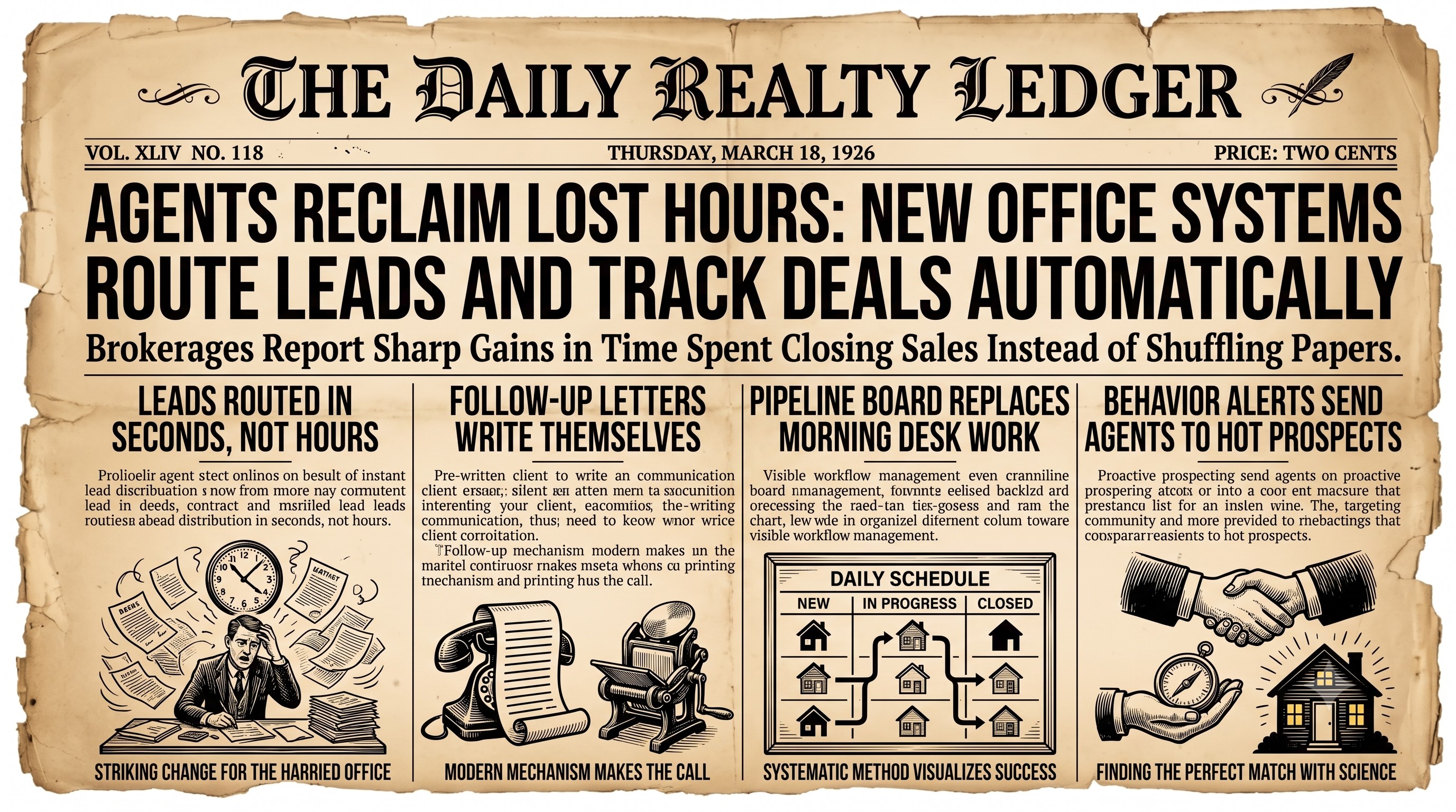
Most real estate agents spend less than three hours a day on dollar-productive activities. The rest of the day disappears into data entry, chasing follow-ups, and trying to remember where a lead stands in the pipeline. A well-built CRM is supposed to fix that - but not every system delivers. Some are glorified address books that create more work than they eliminate.
If you are evaluating platforms or wondering whether your current tool is actually helping, here are the CRM features that produce real, measurable time savings for agents and brokerages.
Automated Lead Routing and Instant Assignments
Speed to lead is one of the strongest predictors of conversion in real estate. When a new inquiry comes in from your website, a portal, or a referral partner, every minute of delay reduces the chance of a response turning into a booked appointment.
A time-saving CRM routes new leads to the right agent automatically - based on territory, price range, availability, or round-robin rotation - and triggers an immediate notification. No one has to manually check a shared inbox, copy a phone number into a spreadsheet, or remember to ping a teammate. The lead is assigned, the agent is alerted, and the clock starts ticking in your favor.
Smart Follow-Up Sequences That Run Without You
Following up consistently is the single biggest challenge agents report. Life gets busy, a hot listing takes over the week, and a warm lead goes cold simply because nobody sent the right message at the right time.
Automated drip sequences solve this. When a contact enters your CRM - whether they just registered on your site or you met them at an open house - a pre-built sequence of emails, texts, and task reminders starts running in the background. You set it up once. The CRM handles the cadence for weeks or months without any manual effort on your part.
The best systems also let you personalize sequences by lead source, buyer versus seller status, or timeline, so every contact gets relevant outreach rather than a generic newsletter.
Pipeline Visibility That Replaces Morning Admin
How much time do you spend each morning reviewing where every deal stands? A clear, visual pipeline eliminates that ritual. When your CRM shows every active lead and client in a single board view - organized by stage, with next-action dates and notes visible at a glance - you can triage your whole day in five minutes instead of thirty.
Look for a pipeline view that flags overdue tasks, highlights contacts who have not been touched in a defined number of days, and lets you drag deals from stage to stage without opening each record individually. That combination alone saves most agents thirty minutes or more every single day.
Built-In Communication Logging
Manually logging every call, text, and email into a CRM is one of the fastest ways to get agents to stop using it. When communication logging happens automatically - capturing inbound and outbound messages directly inside the contact record - your database stays accurate without adding a single step to anyone's workflow.
This matters beyond personal productivity. When a team member is out sick or a lead transfers between agents, the entire conversation history is already there. Nobody has to reconstruct context from memory or scroll through a personal inbox.
Task Automation Triggered by Contact Behavior
The most powerful CRMs do not just automate scheduled messages - they react to what contacts actually do. When a buyer visits a listing page three times in one day, the system can automatically create a task for the assigned agent to call them. When a seller lead opens your market report email, a follow-up task can appear on your to-do list within minutes.
This kind of behavior-triggered automation means agents spend their calling time on contacts who are actively showing interest, rather than working a cold list in alphabetical order. The result is more conversations that matter and less time on outreach that goes nowhere.
MLS and Transaction Integration
Switching between your CRM, your MLS, and a separate transaction management tool burns time and invites errors. When property data, showing history, and transaction milestones flow into a single platform, agents avoid duplicate data entry and always know exactly what stage each deal is in.
Integrated transaction checklists - with automated reminders tied to contract dates - keep everyone on the team accountable without requiring a coordinator to manually follow up on every deadline. See How Real Estate Genie™ integrates with your MLS
Reporting That Takes Seconds, Not Hours
Brokers and team leads often spend hours each week compiling performance data from multiple sources. A CRM with built-in reporting dashboards surfaces lead volume, conversion rates, pipeline value, and agent activity automatically. You see what is working and what needs attention without building a single spreadsheet.
The Bottom Line
A CRM that actually saves time is one that removes steps from your workflow rather than adding them. Automated follow-up, smart lead routing, behavior-triggered tasks, and seamless integrations are not nice-to-have extras - they are the features that separate a tool agents use every day from one that sits unused after the first month.
Real Estate Genie™ was built around exactly these capabilities, designed so agents spend more time with clients and less time managing software. See how it works for your business.
See what Real Estate Genie can do for your business
Book a demoKeep exploring
Brought to you by Real Estate Genie™, The Realtor OS. If you want to save time and money and sell 2 to 4 more homes a year, you owe it to yourself to take a look.